
Somewhere between the fifth and sixth feature branch, my memory stops being the source of truth for what Freebo actually ships. I know what I worked on yesterday. I have a rough idea of what I shipped last week. Anything older than that lives in commit messages, and commit messages live in a graveyard I almost never walk through.
So before every deploy I run one prompt. It is not clever. It does not use any special tooling. But it has caught a half-shipped migration, a feature flag I forgot I had turned off, and once, memorably, an entire pricing tier that was merged to main four days earlier and was never actually live for anyone.
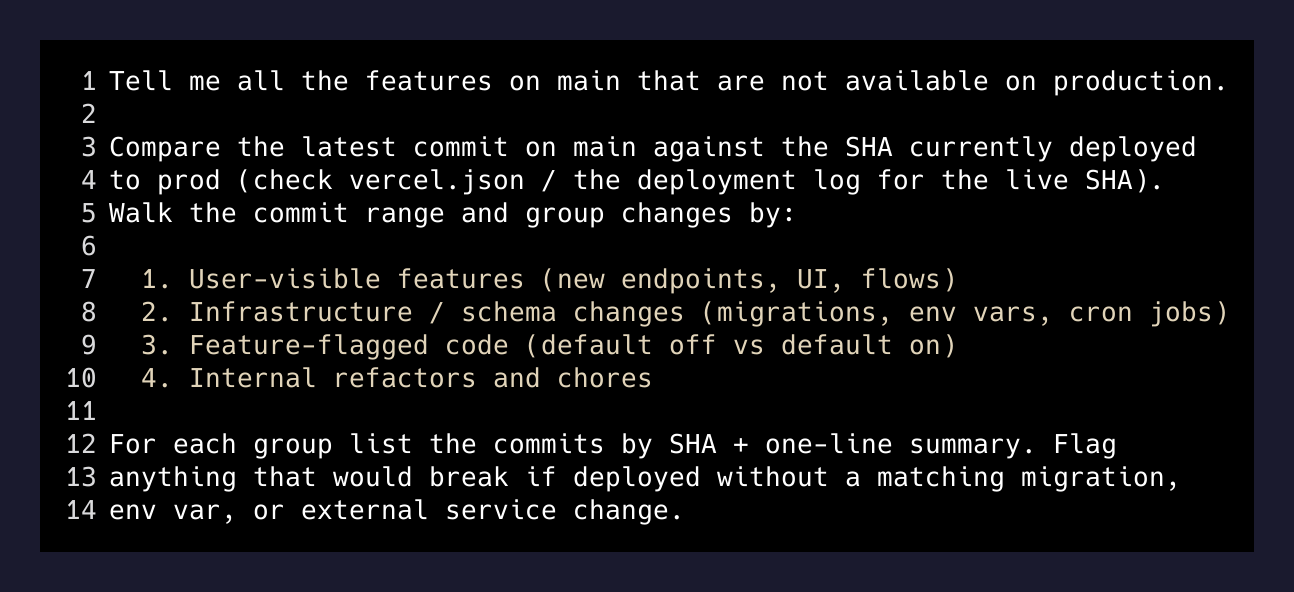
Here is the prompt, verbatim:
Tell me all the features on main that are not available on production.

Compare the latest commit on main against the SHA currently deployed
to prod (check vercel.json / the deployment log for the live SHA).
Walk the commit range and group changes by:

1. User-visible features (new endpoints, UI, flows)
2. Infrastructure / schema changes (migrations, env vars, cron jobs)
3. Feature-flagged code (default off vs default on)
4. Internal refactors and chores

For each group list the commits by SHA + one-line summary. Flag
anything that would break if deployed without a matching migration,
env var, or external service change.
That is it. No subagents, no MCP, no fancy orchestration. Just Opus in the repo with read access to git and the deployment history. It takes about ninety seconds to run and I run it every single time I am about to push.
Why this beats a changelog
I kept a changelog for exactly two months. Then I shipped a hotfix on a Sunday and forgot to update it, and from there the drift was permanent. Every “did I ship X?” question became either “let me check” or, worse, “I think so.”
A changelog is a document you have to maintain. The git history is a document that maintains itself. The problem with git history is that it does not know what is deployed — it only knows what is merged. The two are not the same, and the gap between them is where mistakes live.
What the prompt does is close that gap on demand. It asks Claude to read the one thing that does know what is live (the deployment record) and diff it against the one thing that knows what is merged (the main branch). The output is the only list I actually need: things that exist in my codebase but not in production.
The three things it catches that I never would have
Half-shipped migrations. The one that got me into this habit: a new column was added via a migration in week one, backfilled in week two, and the code that read from it was merged in week three. Easy to forget that any of that is “a sequence.” Claude flagged it — “this commit references bookings.external_ref but the migration adding that column was never applied to production” — before the deploy. I would not have caught that reading the diff by eye at 11pm.
Feature flags you forgot you set. Freebo has a dozen feature flags because multi-tenant products have to. Three of them are stuck in the “on in dev, off in prod” state intentionally. The other nine are all meant to flip eventually. When one has been merged-but-dark for six weeks, the prompt notices and asks: is this ready, or is it dead code? Half the time the answer is “oh right, I’ll turn that on with this deploy.”
Environment variables that exist in .env.example but not in Vercel. A new integration gets a new env var. The env var gets added to the local .env and the shared example file. Then the deploy ships and the integration silently 500s because Vercel does not have the key. Claude catches the mismatch by reading the two files and comparing against the live project’s listed variables.
Your memory is not a changelog. Your git history is not a deploy log. Ask the one agent that can read both.
— the rule
What it does not catch
Claude is not watching production. It does not know if a cron job has actually been running. It does not know if a third-party service is rate-limiting you. It does not know that your vendor’s monthly quota is about to reset and your billing plan does not match your actual usage.
The prompt is a pre-flight check for your own code. It is not a monitoring system. The rule I use: anything that lives inside the repo is in scope — commits, migrations, flags, env vars, build config. Anything that lives outside the repo — provider quotas, DNS state, external API versions — is not. That is for a different agent, or a different alert, or a human remembering to look at a dashboard.
The workflow
Before I open the Vercel dashboard to deploy I paste the prompt. I read the output. If anything surprises me I stop and decide whether it ships now or waits. If nothing surprises me I ship.
The whole exercise takes three minutes. The point is not the three minutes. The point is that for three minutes I am forced to look at my own code through an agent’s eyes — an agent whose only job is to notice the thing I am about to forget.
A release engineer at a real company does this by owning a runbook and a dashboard. I own one prompt and one terminal. It turns out that for a one-person SaaS, those two things are about the same amount of structure.
The meta-lesson
The best use of a model at the top of its class is not generating code. It is reading code that already exists, holding more context in its head than I can hold in mine, and answering one specific question better than I could ask it.
“What’s on main that isn’t on prod” is a question I could technically answer with git log origin/main --not $(current_prod_sha). But the parsing, the grouping, the “this migration has no matching deploy” leap — that is where the model earns its keep.
If your release process is still “I think I remember what I did this week,” try it. One prompt. Ninety seconds. Run it every time. See how fast it catches something you were about to forget.